You've booked the trip. Flights, hotel, that one highly-rated restaurant everyone said you have to try. You're packing your bags, checking your passport, and then the little nagging question hits you: "Wait - is my phone even going to work over there?"
For most people, the answer is a very happy and resounding yes. Modern US phones play nicely with European cellular networks. You don't need a special "European phone," and you definitely don't need to rent a clunky brick device from a kiosk at the airport.
But there are a couple of crucial boxes to tick before you leave so you don't end up doing the frantic airport-Wi-Fi shuffle with a dead phone at baggage claim. Here is the full, comprehensive checklist to ensure your phone stays connected from London to Lisbon.
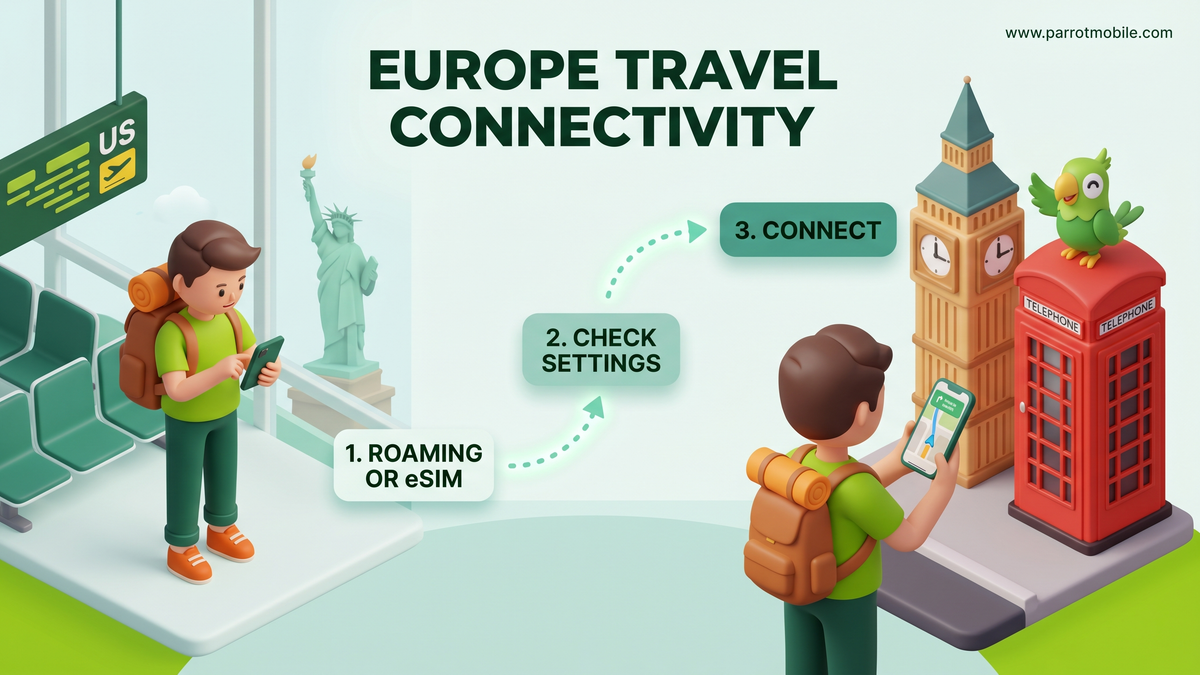
Step 1: Choose Your Connectivity Strategy (The 3 Ways)
This is where you decide how you'll get data and make calls abroad. You basically have three solid options, and the right choice depends heavily on your budget, how much data you plan to consume, and whether your phone is locked or unlocked.
Way 1: Carrier International Roaming (Easiest)
This is the absolute easiest method because it works on any phone, locked or unlocked. You simply keep your current US SIM card in your phone and let your home carrier handle the connection to European towers.
- How it works: Your home carrier has agreements with European networks. When you land, your phone automatically connects.
- The Catch: Big Carriers often charge pricey daily passes ($10 to $15+ per day). A two-week vacation can easily add over $150 to your phone bill.
- The Parrot Mobile Way: If you are a Parrot Mobile customer, we do things differently. Instead of a $10/day pass, our international roaming is strictly transparent pay-as-you-go. You just look up your destination on our international roaming rates page to see the exact per-country cost for data, talk, and texts. You simply add a little money to your prepaid balance (a minimum of $10 enables roaming) and pay pennies per megabyte only for what you actually use. No massive bundles, no daily fees ticking away while you sleep.
Way 2: Travel eSIMs (Best for heavy data)
If you plan to stream video, upload hundreds of photos, or use GPS constantly, a travel eSIM is usually the most cost-effective route for heavy data users.
- How it works: You purchase and download a digital data plan directly to your phone via an app or QR code.
- The Catch: Your phone must be unlocked to use a travel eSIM (see Step 2 below to check your status). Also, your US number's standard calls and SMS texts might be paused depending on your dual-SIM setup.
Way 3: Wi-Fi Only (Cheapest)
You turn cellular data roaming completely off and jump between hotel and cafe Wi-Fi networks.
- How it works: You rely entirely on free Wi-Fi. Works on any phone, locked or unlocked.
- The Catch: You won't have any data while walking the streets-no live translation apps, no ride-sharing apps, and no live maps.
Step 2: The "Unlocked" Check (Only if you chose Way 2)
If you decided to use a Travel eSIM or buy a local European SIM card, your phone must be unlocked. A locked phone is contractually tied to your home carrier (like AT&T, Verizon, or T-Mobile) and its internal software will actively refuse to accept a foreign SIM. An unlocked phone is a free agent.
(If you chose Way 1 or Way 3, you can skip this step! Your phone will work fine locked).
Here is how to definitively check your phone's status:
Checking an iPhone (iOS):
- Open the Settings app.
- Tap General, then tap About.
- Scroll down until you find the Carrier Lock (or Network Provider Lock) section.
- If it says "No SIM restrictions," congratulations! Your phone is fully unlocked. If it says anything else, it is locked.
Checking an Android phone:
- Open the Settings app.
- Tap About phone or Connections (this varies slightly by manufacturer).
- Look for SIM status or Network unlock.
- Alternatively, the absolute easiest way to check an Android device is simply to call your current US carrier's customer support line and ask them directly.
What to do if your phone is locked: Contact your current carrier immediately-do not wait until the day before your flight! Most major carriers will unlock a phone for free as long as the device is fully paid off and your account is in good standing. Keep in mind that the unlock process can sometimes take 24 to 48 hours to complete on their end.
Step 3: Will it actually get a signal over there?
Almost certainly. Europe runs on the exact same GSM-family networks and the same 4G LTE and 5G frequency bands that modern US phones are built to support.
Any iPhone manufactured in the last several years (iPhone X and newer) and the vast majority of recent Android flagship phones (like the Samsung Galaxy S-series or Google Pixel lineup) are considered "world phones." They contain the hardware antennas required to work flawlessly across Europe, Asia, and beyond.
The Exception: The phones most likely to struggle abroad are very old devices, extreme budget models, or specific prepaid-carrier models manufactured many years ago. If your phone was made in the last four years, you are almost certainly fine.
Step 4: Step-by-Step eSIM Setup Guide
If you've decided to go with the highly recommended Travel eSIM route, setting it up before you leave the US is a massive time-saver. An eSIM (embedded SIM) is a digital SIM card that you simply download via a QR code or an app.
Here is a deeper look at how to get it running:
- Step 1: Purchase before you fly. Buy your European eSIM plan online while you are still at home on your fast, reliable Wi-Fi.
- Step 2: Install the eSIM. Scan the provided QR code or use the provider's app to install the eSIM profile onto your phone. You will see it appear in your cellular settings alongside your primary US line.
- Step 3: Label your lines. Your phone will ask you to label them. Label your US number "Primary" and your new European eSIM "Travel."
- Step 4: Keep the travel line off for now. While still in the US, toggle the new European eSIM line to "Off." It won't work in the US anyway, and it saves battery.
- Step 5: Switch over when you land. Once your plane touches down in London or Paris, open your settings, turn the European travel eSIM "On," and set it as your default line for Cellular Data. Ensure Data Roaming is enabled for the travel line only. Boom. Instant, cheap European data.
Step 5: Tweak these settings before you land
A few minutes of preparation on the flight over can save you from a massive headache later:
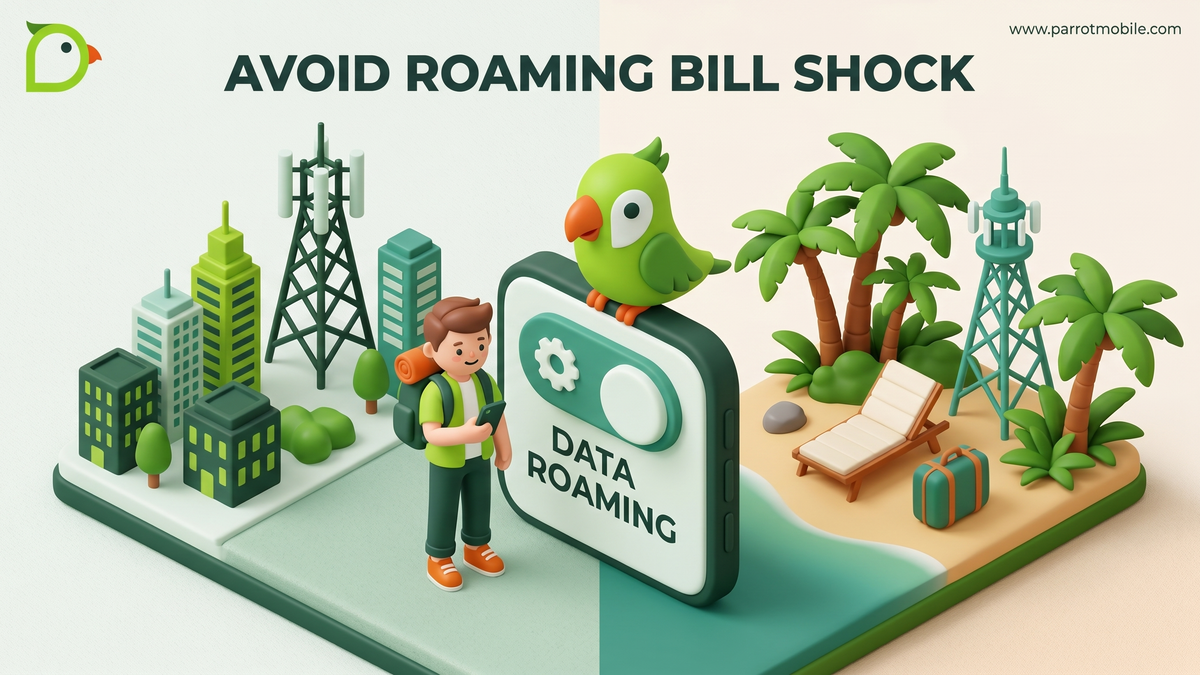
- Turn off Data Roaming for your US line. Do this before you land so your US carrier doesn't instantly charge you a daily pass fee the second your phone hits a European cell tower. (Note: If you chose Way 1 and are using pay-as-you-go roaming, leave this on!)
- Turn off background app refresh. Go into your settings and stop apps from quietly burning through your data to update social feeds while your phone is in your pocket.
- Turn on Wi-Fi calling. Do this while still in the US! Wi-Fi calling allows you to call and text back home to the US for completely free whenever you are connected to hotel, cafe, or airport Wi-Fi.
- Download offline maps and translation packs. Open Google Maps, select the city you are visiting, and hit "Download offline map." Do the same for Google Translate. Your phone's GPS antenna works for free without data!
- Pack a portable power bank. Navigating a new city, taking hundreds of photos, and constantly searching for cell signals in ancient stone buildings will drain your battery much faster than a normal day at home.
Step 6: Don't forget the boring stuff
Your phone isn't the only piece of tech making the trip. Europe uses completely different electrical plug shapes, and in most places, they use a 230V power system (compared to the US 110V system).
You will need to bring a travel adapter so your US chargers can physically fit into European wall outlets. Good news: almost all modern phone chargers, laptop chargers, and camera chargers are dual-voltage (handling 110-240V automatically). Just check the tiny, fine print on the charging brick to be sure. Be extremely careful with hair dryers or styling tools, though-if they aren't dual voltage, they will fry!
People Also Ask (FAQs)
Do I need a European phone number? For the vast majority of travelers, no. You can easily use data-based apps like WhatsApp, iMessage, Facetime, and Skype to communicate with both locals and folks back home. Unless you are moving to Europe for several months or need to frequently call local businesses that don't use WhatsApp, a data-only connection is perfectly fine.
What is an eSIM and do I have one? An eSIM is an embedded digital SIM card built directly into your phone's motherboard. Instead of popping open a tiny tray with a paperclip, you just download a cellular plan over Wi-Fi. If you have an iPhone XS or newer, or a Samsung Galaxy S20 or newer, your phone supports eSIM technology. In fact, iPhone 14s and newer in the US only use eSIMs!
Can I use WhatsApp in Europe? Yes! WhatsApp is immensely popular across all of Europe. As long as your phone is connected to Wi-Fi or you have a cellular data plan (like a travel eSIM or a roaming pass), WhatsApp will work perfectly for texting, voice calls, and video calls. It uses your data connection, not standard cellular minutes.
How much does it cost to use my phone in Europe? That entirely depends on your strategy. If you use a Big Carrier daily pass, it can cost $10-$15 per day. If you buy a prepaid travel eSIM, you might spend $15-$30 for a chunk of data that lasts your entire two-week trip. If you rely strictly on Wi-Fi and keep Data Roaming off, it costs absolutely $0.
The easy way with Parrot Mobile
If you're already a Parrot Mobile customer, managing your connectivity on an international trip is refreshingly simple and totally transparent.
First, Wi-Fi calling is included for free on your plan. That means you can call and text back home from any European Wi-Fi network at absolutely no additional cost to you.
Second, as mentioned in Step 1, our international roaming is strictly pay-as-you-go. Before your trip, just look up your destination on our international roaming rates page and you'll see the exact, transparent per-country cost for data, talk, and texts.
There are no massive bundles to buy, and no daily fees ticking away while you sleep. You simply add a little money to your prepaid balance (a minimum of $10 enables roaming capabilities) and pay pennies per megabyte only for what you actually use.
Planning a much longer or more data-heavy trip? Buying a local travel eSIM makes it incredibly easy to add the right amount of connectivity in minutes directly from your phone.
Either way, check your settings, and go enjoy the trip. Your phone's got it handled, and your wallet will thank you.