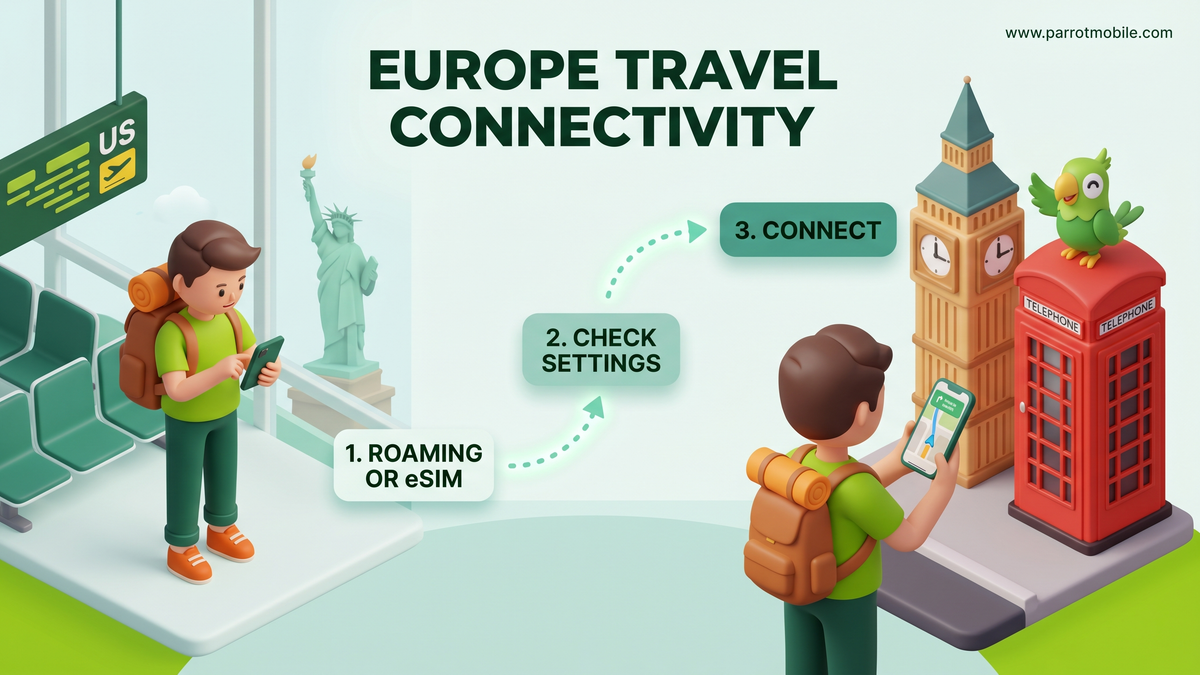
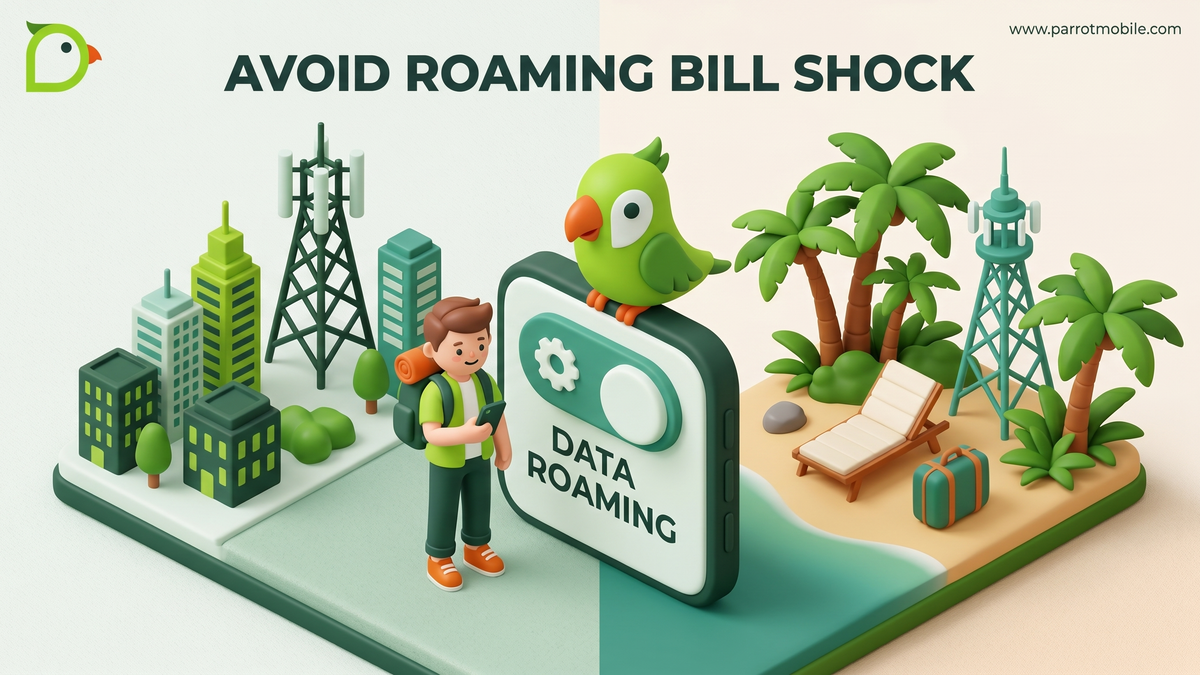
You land in another country, turn off airplane mode, and your phone happily connects to a local network. Magic, right? Sometimes. Other times that "magic" shows up as a horrifying line item on your next bill. That toggle in your settings labeled Data Roaming is the difference between the two.
Let's demystify it so your vacation photos are the only thing that surprises you.
What data roaming actually means
Your phone is tied to your home carrier's network. When you leave its coverage area - especially when you leave the country - your phone "roams" onto a partner network in that location so you can still call, text, and use data.
Data roaming specifically refers to using mobile data (maps, social media, email, streaming) over that foreign network. And historically, that's the part that gets expensive, because your carrier pays the foreign network and passes the cost (often with a hefty markup) to you.
The classic horror story: someone leaves data roaming on, their phone quietly backs up photos and updates apps in the background, and they come home to a bill with a comma in it. This is "bill shock," and it's 100% avoidable.
To fully understand it, think of data roaming like a toll road. The road is incredibly convenient when you are lost in a new city and need directions. But every single mile you drive-or every single megabyte of data you download-adds a small fee to your tab unless you've already paid for an all-inclusive daily pass. Your phone, by default, is a data-hungry machine. It wants to fetch new emails, update your podcast playlists, refresh your Instagram feed, and back up your high-resolution vacation photos. If it does all of that on a "toll road" network, the costs compound fast.
Where to find the data roaming switch
Good news: you're in total control of your device. The master switch is right in your settings. It is highly recommended that you locate this switch before you even board your flight.
On an iPhone (iOS)
- Open the Settings app.
- Tap Cellular (or Mobile Data, depending on your region).
- Tap Cellular Data Options.
- Find Data Roaming and switch it on or off. The toggle will turn green when it is enabled.
Pro Tip for iPhone users: While you're in your Cellular settings, scroll down. You'll see a comprehensive list of all your installed apps and exactly how much data they've used in the current period. You can individually toggle off cellular data access for data-hungry apps like Instagram, TikTok, Netflix, or your photo backup service. This means those apps will completely ignore cellular connections and only update when you are safely connected to Wi-Fi.
On an Android phone
- Open the Settings app.
- Tap Network & internet (or Connections, depending on your phone manufacturer).
- Tap Mobile network (or Cellular networks).
- Toggle Data roaming on or off.
Pro Tip for Android users: Look for Data Saver in your network settings. Turning this on prevents apps from sending or receiving data in the background. It is a fantastic safety net when you are roaming, ensuring that only the app you are actively using on your screen has the right to consume precious data.
When to turn it on vs. off: A Step-by-Step Scenario Guide
It’s easy to say "turn it off if you don't want to pay," but international travel isn't always that black and white. Sometimes you need data, and sometimes you don't. Here are a few deeper, step-by-step examples of how to handle the roaming toggle in the wild.
Scenario 1: The Airport Landing
You just touched down at Charles de Gaulle in Paris. You haven't purchased an international roaming pass or set up a local travel eSIM yet, but you desperately need to message your Airbnb host.
- Step 1: Before taking your phone off Airplane Mode, dive into your settings and ensure Data Roaming is strictly OFF.
- Step 2: Turn off Airplane Mode. Your phone will still connect to a French cellular network to give you signal bars. You will be able to receive standard SMS texts and regular phone calls (which may still cost money per minute/message, but they won't trigger massive background data fees).
- Step 3: Turn on Wi-Fi and connect to the airport's free public Wi-Fi network. Use this free connection to message your host on WhatsApp, download an eSIM, or look up train directions.
Scenario 2: The Cross-Border Drive
You're driving through upstate New York or northern Washington, near the US/Canada border. You have zero intention of crossing the border today.
- Step 1: Keep Data Roaming OFF. Cell towers do not respect invisible national borders. If a Canadian tower's signal is stronger than your local US tower, your phone might silently switch over and connect to it. Keeping the toggle off ensures you don't accidentally get billed for international data while you're still sitting in your home country.
Scenario 3: The All-Inclusive Traveler
You’ve done your research, talked to your carrier, and purchased a robust international travel pass, or you've loaded up your pay-as-you-go balance specifically for your trip.
- Step 1: Turn Data Roaming ON. You are actively paying for this access, so you might as well use it to find the best local gelato spot, navigate the subway, and instantly upload your photos.
Scenario 4: Setting Up a Travel eSIM
You bought a digital travel eSIM to get cheap local data in Europe. You now have two SIM profiles on your phone: your primary US number and your secondary European eSIM.
- Step 1: Go to your cellular settings.
- Step 2: Select your primary US number and turn Data Roaming OFF.
- Step 3: Select your new European travel eSIM and turn Data Roaming ON. Make sure your phone is set to use the travel eSIM for mobile data. This allows you to browse the web affordably on the local network while still keeping your US number active to receive urgent texts.
Comparing Your Connectivity Options
Not all travel data strategies are created equal. Depending on your budget and how much time you plan to spend looking at screens, you have a few ways to tackle connectivity. Let's break down your options in detail:
| Strategy | How it works | Best for... | The catch |
|---|---|---|---|
| Wi-Fi Only (Data Roaming OFF) | You rely entirely on hopping from hotel Wi-Fi to cafe Wi-Fi. Your cellular data is shut down. | Extreme budget travelers, backpackers, or those seeking a digital detox. | You have zero connectivity when you are walking around. No live Google Maps, no quick rideshare requests, and no spontaneous restaurant lookups. |
| Big Carrier Daily Pass | You pay a flat rate (usually $10 to $15 per day) to use your existing home data plan abroad. | Business travelers or people on very short, two-day weekend trips where convenience is paramount. | The costs compound insanely fast. A 10-day trip adds well over $100 to your monthly bill. |
| Local / Travel eSIM | You download a secondary, prepaid data profile to your phone specifically for the country you are visiting. | Longer trips or data-hungry users who want cheap, predictable local rates without swapping physical SIM cards. | It can be tricky to set up for first-timers, and managing two different phone lines simultaneously requires careful attention to your phone's settings. |
| Pay-As-You-Go Roaming | You pay a clear, per-megabyte or per-gigabyte rate using your existing carrier balance. | Occasional data users who just want the security of being connected for emergencies without paying hefty daily upfront fees. | You have to actively monitor your usage so you don't inadvertently burn through your prepaid balance watching 4K YouTube videos. |
How to travel without the bill shock
If you choose to use your home carrier's network abroad, here are a few bulletproof habits that will keep you safe, connected, and under budget:
- Check your carrier's roaming rates before you fly. Surprises are only surprises if you didn't look. Log into your account and search for their international rates page.
- Turn off background app refresh. Stop your apps from quietly sipping data when you aren't even looking at them.
- Turn on Low Data Mode (iOS) or Data Saver (Android). This brilliant setting stops automatic updates, pauses photo syncing to the cloud, and lowers video streaming quality across the board.
- Download maps offline. Open Google Maps on Wi-Fi, select the area you'll be exploring, and choose "Download offline map." Your phone's GPS antenna does not use cellular data, so you can still see your blue dot moving on the map entirely for free!
- Pre-download your entertainment. Sync those Spotify playlists, download your podcasts, and save your Netflix episodes while you are relaxing at the hotel.
- Use Wi-Fi calling. If your carrier supports it, you can call and text back home over a Wi-Fi connection without touching international cellular networks.
People Also Ask (FAQs)
Does receiving a text message count as data roaming? Standard SMS text messages (the green bubbles) do not use mobile data, so they technically do not fall under "data roaming." However, if you are roaming internationally, your carrier might still charge you a per-message fee for incoming or outgoing texts. You should always check your specific international texting rates.
Does iMessage or WhatsApp use data roaming? Yes. iMessage (the blue bubbles on iPhones), WhatsApp, Telegram, and Facebook Messenger all use the internet. If you aren't connected to Wi-Fi, sending or receiving these messages uses your cellular data. If data roaming is turned off and you have no Wi-Fi, these messages simply won't go through.
What happens if I leave data roaming off but use Wi-Fi? You will not get charged for data roaming! When you are on Wi-Fi, your phone routes all internet traffic through the local router, completely bypassing the international cellular network. This is the absolute safest way to avoid roaming charges while still browsing the web and checking emails.
Is international roaming the same as long-distance calling? No. Long-distance is when you are sitting comfortably in your home country and you place a call to a foreign number (like calling a hotel in Rome from your couch in Chicago). Roaming is when you physically travel to a foreign country and your device connects to a cellular network located there.
Will I be charged if my phone rings but I don't answer it? Typically, no. If your phone rings while you are abroad and you let it go to voicemail, you usually aren't charged a per-minute roaming fee for the unanswered call. However, if your carrier routes the voicemail back to your phone over the cellular network, there can occasionally be a charge. It is best to check with your specific provider.
How Parrot Mobile keeps roaming simple
A lot of bill shock comes from confusing, expensive legacy roaming - those $10-plus-per-day "travel passes" the big carriers love to push. We decided to go in a completely different direction.
Parrot Mobile roaming is pay-as-you-go: there are no daily passes, no aggressive upcharges, and no weird bundles you have to remember to buy before your flight takes off. You just pay clear, transparent per-country rates for exactly what you use. These charges are drawn against your prepaid balance (you just need to keep at least a $10 balance to enable roaming).
Before your trip, you can look up your destination on our international roaming rates page and see exactly what data, talk, and texts will cost you. There is no math required, and absolutely no mystery.
So go ahead, navigate those winding cobblestone streets, find that hidden cafe, and post that amazing beach photo. Just know which toggle you're flipping first!